Project summary
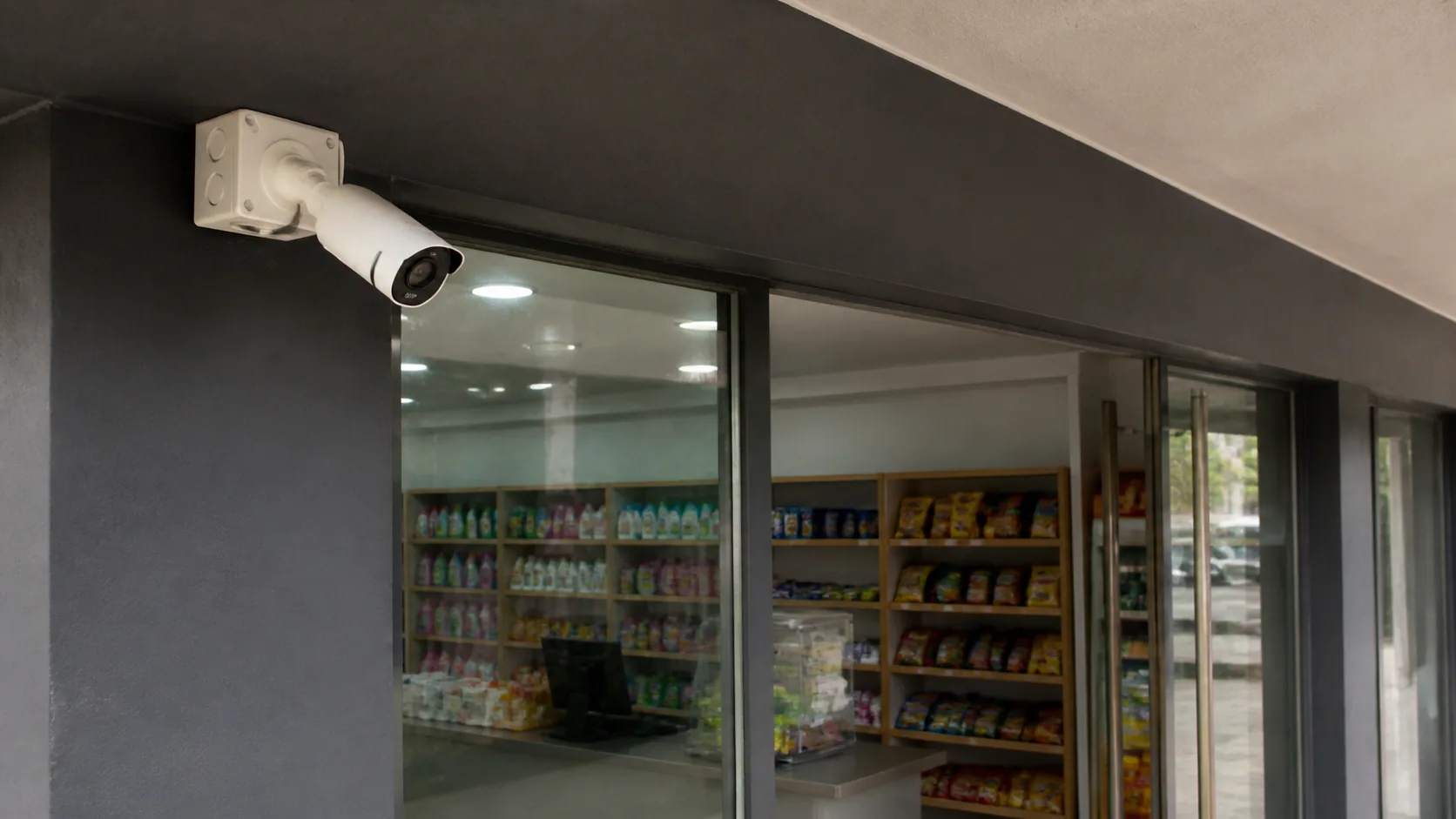
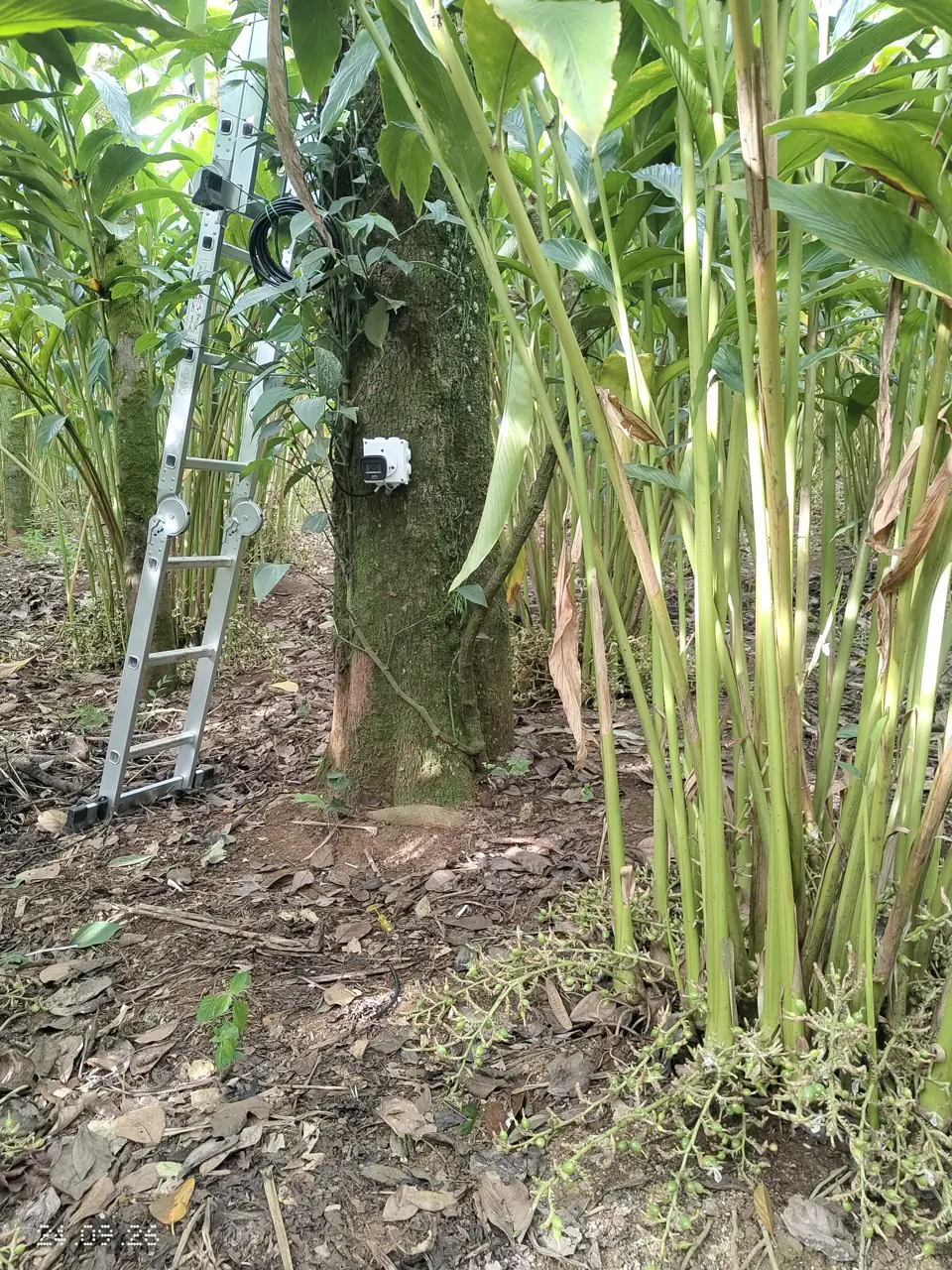
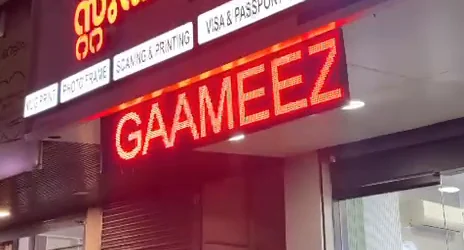
A shop owner in Vandanmedu wanted to see the CCTV cameras both at the ground-floor shop counter and in the first-floor home. At this property in Kadassikadavu, Vandanmedu, Idukki, Halo Technologies designed a six-camera installation around this requirement, combining different camera types with one compatible Hikvision recording system and two viewing screens.
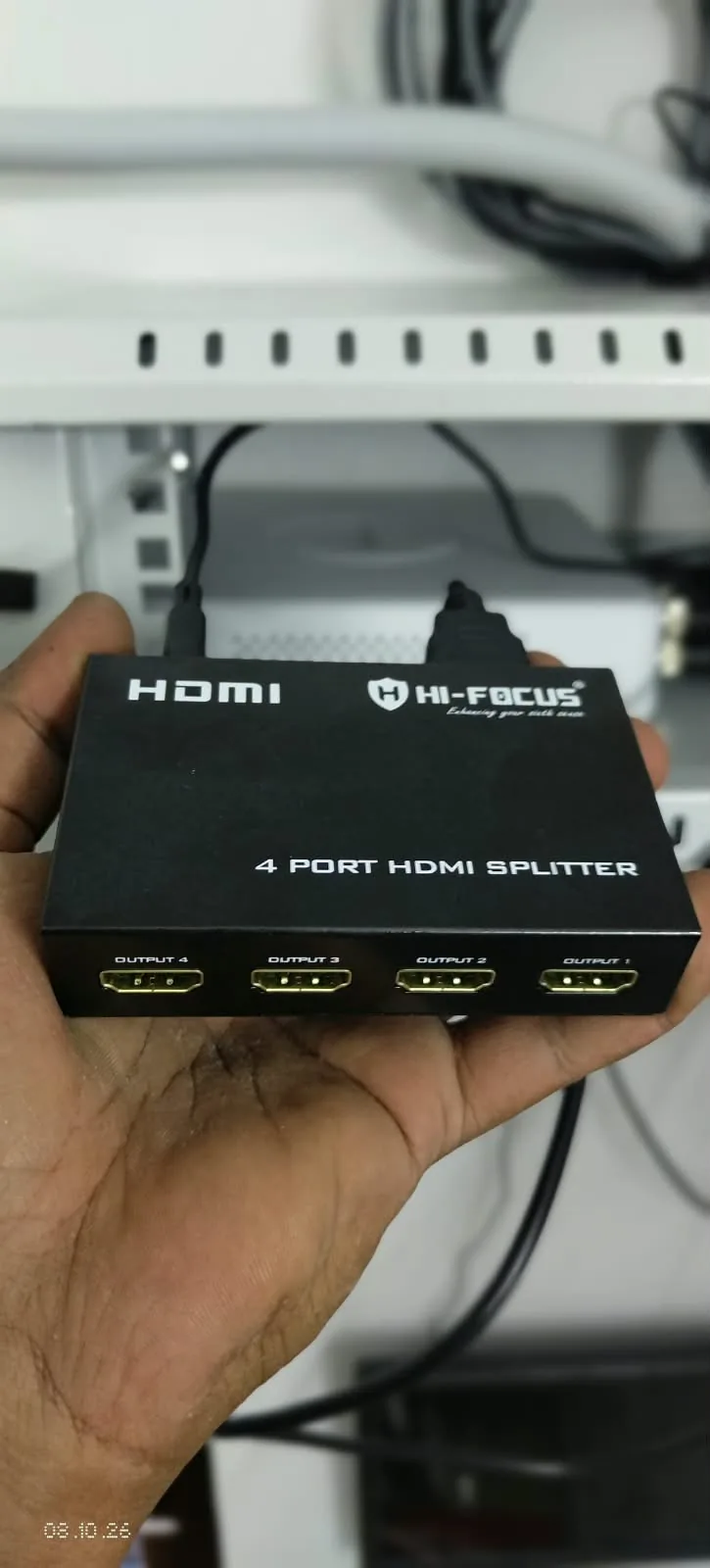
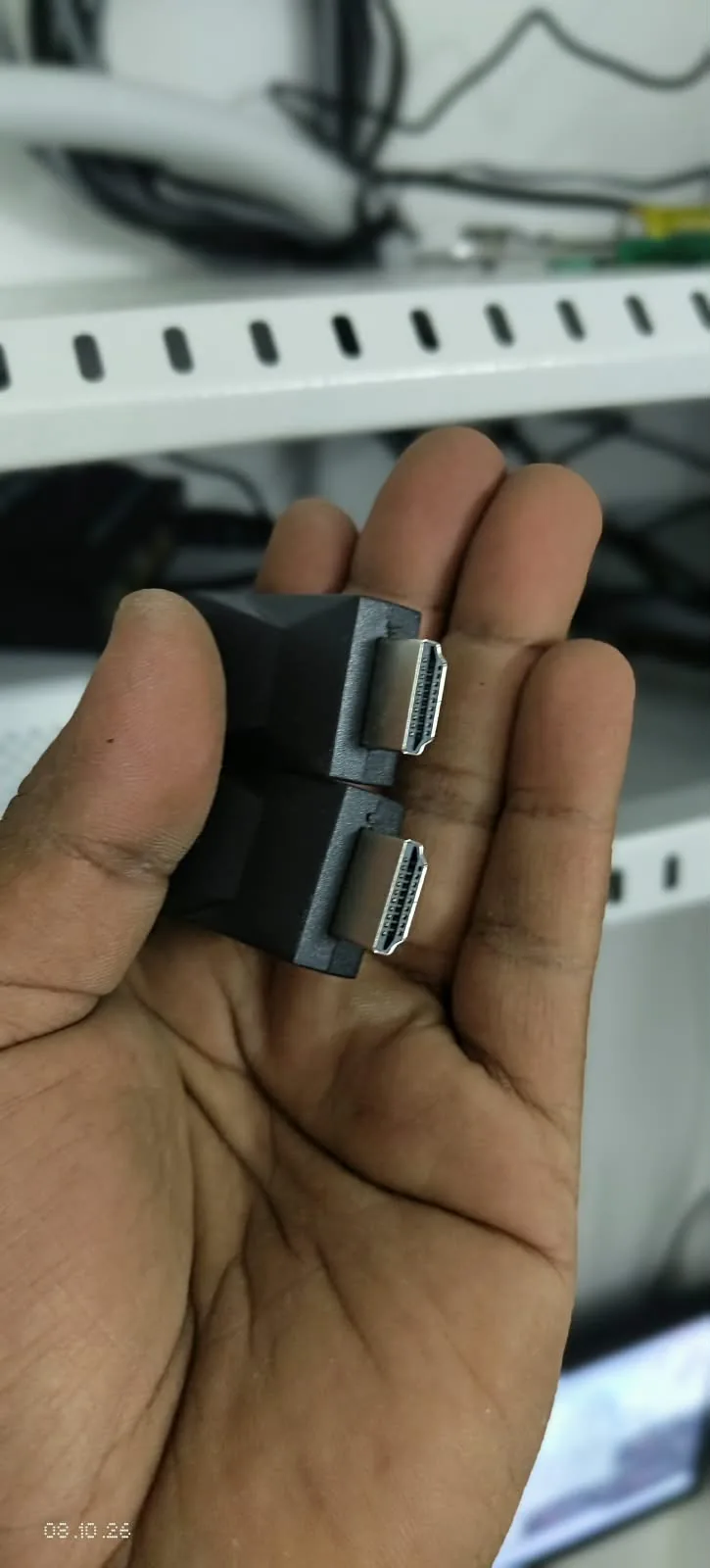
The DVR stays in the home upstairs. An HDMI splitter shares its display with both screens, and an HDMI extender carries the display to the shop over approximately 30 metres of Cat6 cable. Both screens show the same recorder output.
Explore our CCTV installation service for homes and shops. Publication date refers to this article, not the installation date.
What the customer needed
The owner wanted convenient viewing on both floors while keeping one recording system in the first-floor home. The display arrangement lets the owner see the same camera view at home and at the shop counter without adding a second recorder.
Installation facts
| Item | Installed arrangement |
|---|---|
| Project location | Kadassikadavu, Vandanmedu, Idukki, Kerala |
| Property | Ground-floor shop with the owner's home on the first floor |
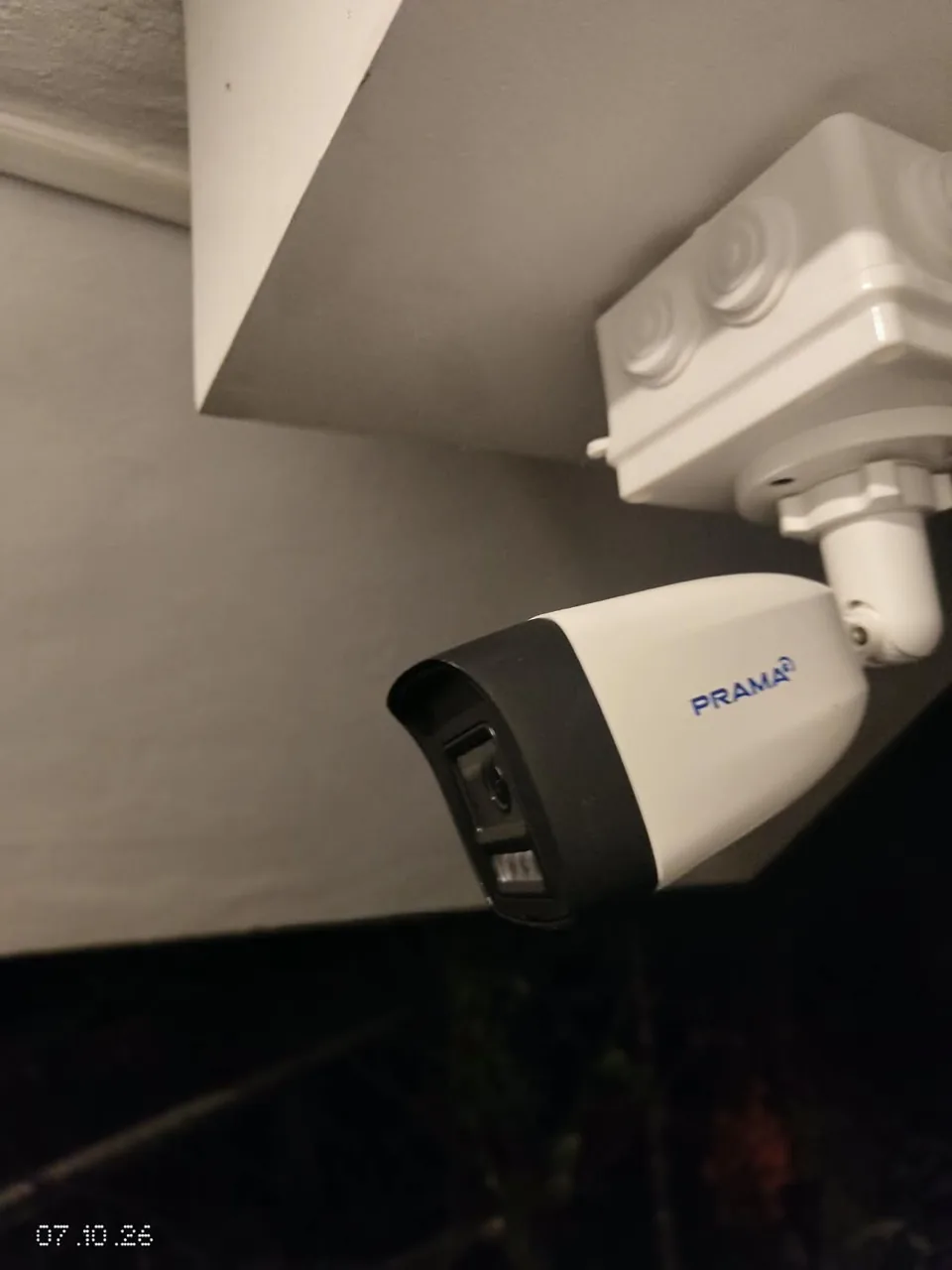
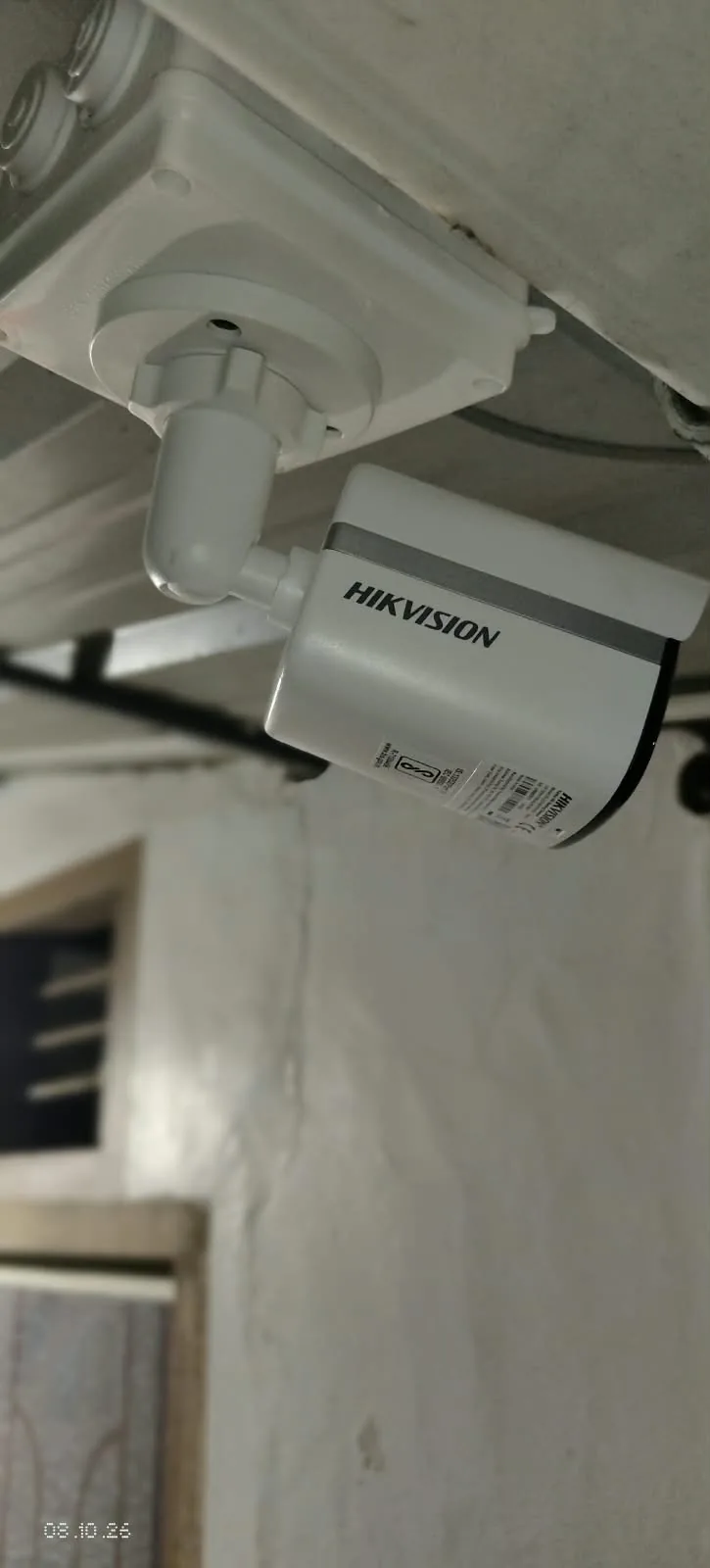
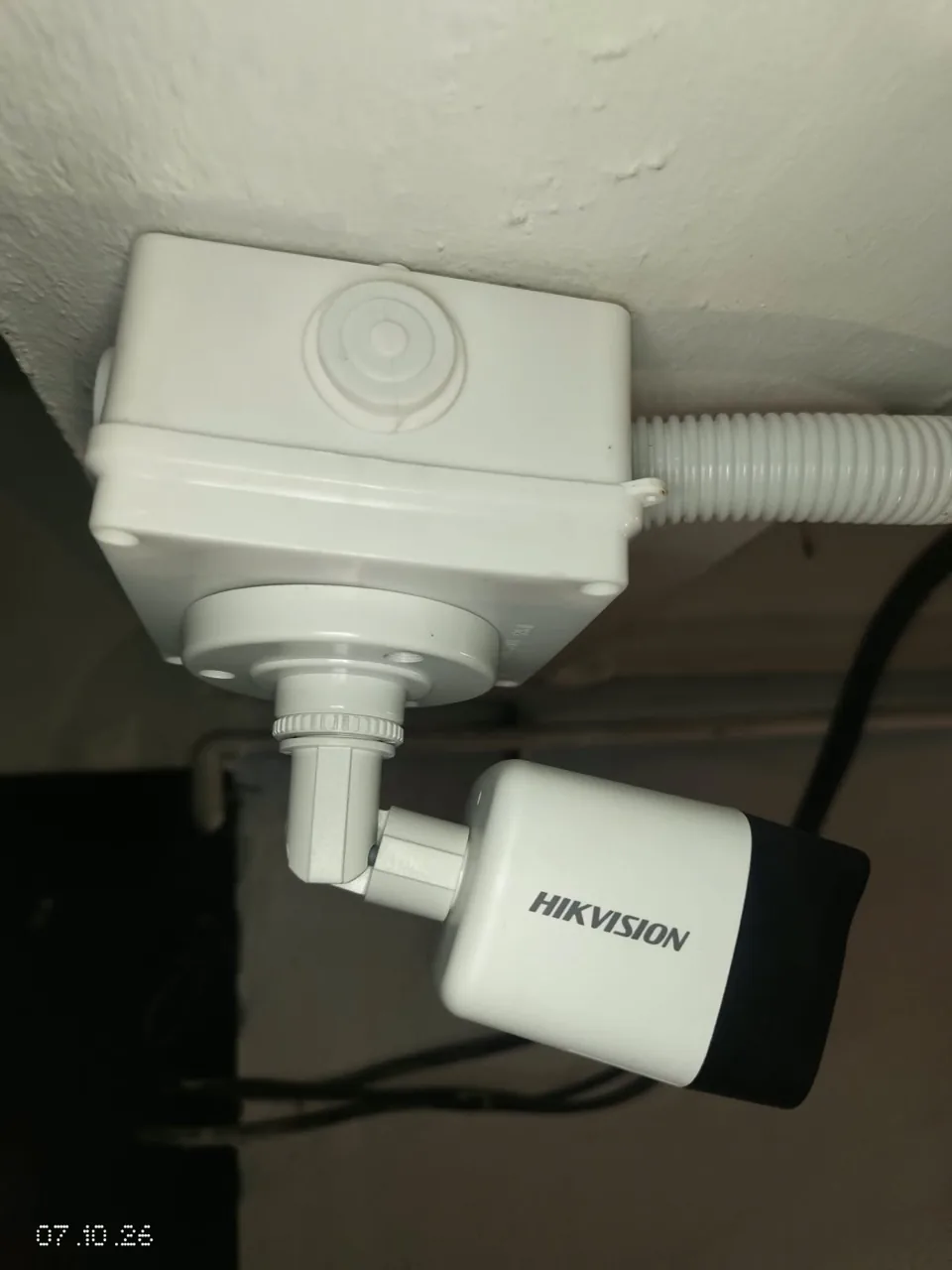
| Cameras | Six total: one PRAMA IP camera, one analogue ColorVu camera and four analogue infrared cameras |
| Resolution mix | PRAMA IP camera: 2 MP. One analogue bullet camera: 5 MP. The remaining four analogue cameras: 2 MP |
| Audio capability | All six cameras support audio recording; whether audio was enabled or tested is not confirmed |
| Recorder | Compatible Hikvision DVR with 5 MP support, kept in the first-floor home |
| Viewing locations | First-floor home and ground-floor shop counter |
| Display distribution | HDMI splitter and HDMI extender, with approximately 30 metres of Cat6 cable for the shop display link |
| Screen behaviour | Both screens mirror the recorder's output |
The supplied details do not establish whether the 5 MP analogue bullet camera is the ColorVu camera or one of the infrared cameras. The DVR's 5 MP support does not mean every camera records at 5 MP. Recording modes and settings have not been supplied.
Choosing cameras for the location
Halo Technologies combined IP, analogue infrared and analogue ColorVu cameras rather than using the same camera everywhere. The selection reflects the owner's needs and the practical conditions at the camera locations, including lighting, the area to be covered and the available installation arrangement.
The resolution mix includes a 5 MP analogue bullet camera alongside five 2 MP cameras. Megapixels describe image resolution, but useful detail also depends on where a camera is placed, what its view includes and how much light is available. A higher resolution alone cannot compensate for an obstructed view or unsuitable positioning.
The project record does not identify the exact view assigned to each camera, so this case study does not attribute a particular camera to a doorway, cash counter or other unconfirmed position.
Different camera technologies, one recording system
An IP camera sends video through a network connection. This installation includes one 2 MP PRAMA IP camera with infrared and white-light illumination options. Those options provide different ways to illuminate a scene; the supplied details do not establish an automatic switching mode.
An analogue camera sends its video signal over a compatible wired connection to the recorder. Five analogue cameras are included here: one ColorVu camera and four infrared cameras.
IR, short for infrared, helps a compatible camera view a scene in darkness and typically produces black-and-white night images. ColorVu supports colour imaging in low light, subject to the particular model and lighting conditions. It should not be understood as a promise of colour images in every dark scene.
A DVR, or digital video recorder, stores camera footage. In this project, the compatible Hikvision DVR brings the analogue cameras and the IP camera into one recording system. All six cameras support audio recording. This describes their capability; audio activation and testing have not been confirmed.
How the display reaches home and shop
HDMI carries the recorder's display signal to a screen. An HDMI splitter distributes the same output to two display paths: one for the home and one for the shop counter.
An HDMI extender carries the shop display signal over approximately 30 metres of Cat6 cable. Cat6 is a cable type also commonly used for computer networking, but this particular cable link carries the extended HDMI display signal. It is separate from the IP camera's network connection.
The arrangement is:
- Six cameras connect to one compatible DVR in the first-floor home.
- The DVR's HDMI output feeds an HDMI splitter.
- One display path serves the home screen.
- The other uses an HDMI extender and the Cat6 cable run to reach the shop-counter screen.
Both screens mirror the DVR output. They do not provide independent camera layouts or independent playback control. The display extender does not, by itself, provide remote control of the DVR from the shop counter.
Practical benefits for the owner
The owner can view the same camera display at either location, making it convenient to check the premises while upstairs or working at the shop counter. One recorder keeps the recording arrangement together in the home.
The camera mix also shows why a CCTV installation should be planned around the property. Camera technology, resolution, lighting, placement, coverage and cable routes all contribute to a useful system.
Original project photo gallery
Practical installation tips
- Plan camera placement, lighting and coverage together.
- Specify where you need viewing screens as well as where the recorder will stay.
- Check camera and recorder compatibility before combining IP and analogue equipment.
Common mistakes to avoid
- Assuming both screens provide independent playback or camera layouts.
- Confusing the Cat6 HDMI display link with the IP camera network connection.
- Assuming DVR 5 MP support means every camera records at 5 MP.
Need professional installation?
Planning CCTV for a home and shop?
Tell Halo Technologies your location, the areas you want to monitor and where you need viewing screens. We can help plan coverage, recording and viewing arrangements for your property in Idukki.