Map people, devices and rooms
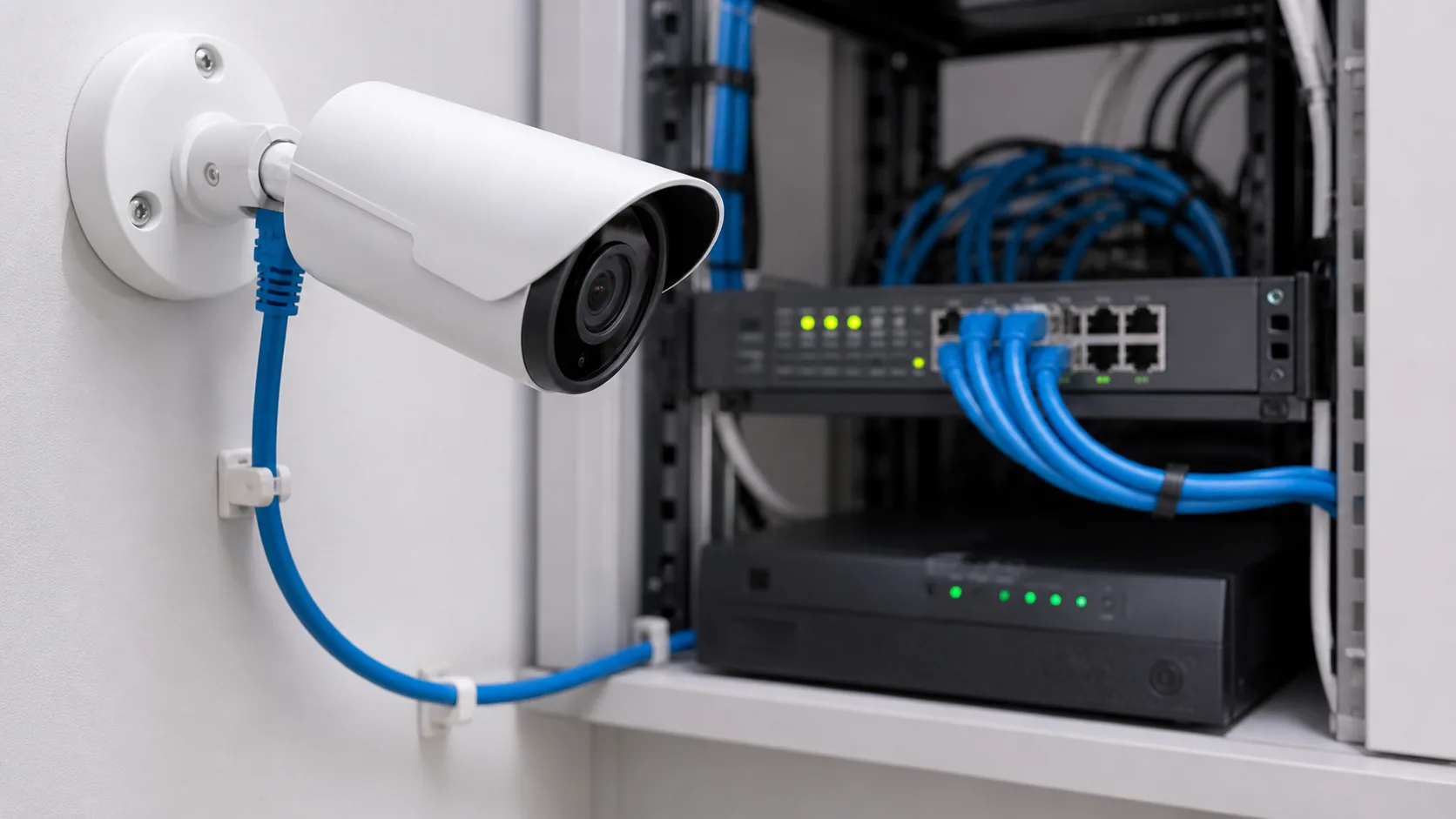
List workstations, printers, cameras, access points and meeting-room equipment. Mark their intended locations and allow for change. This map determines outlet locations and the size of the central equipment area.
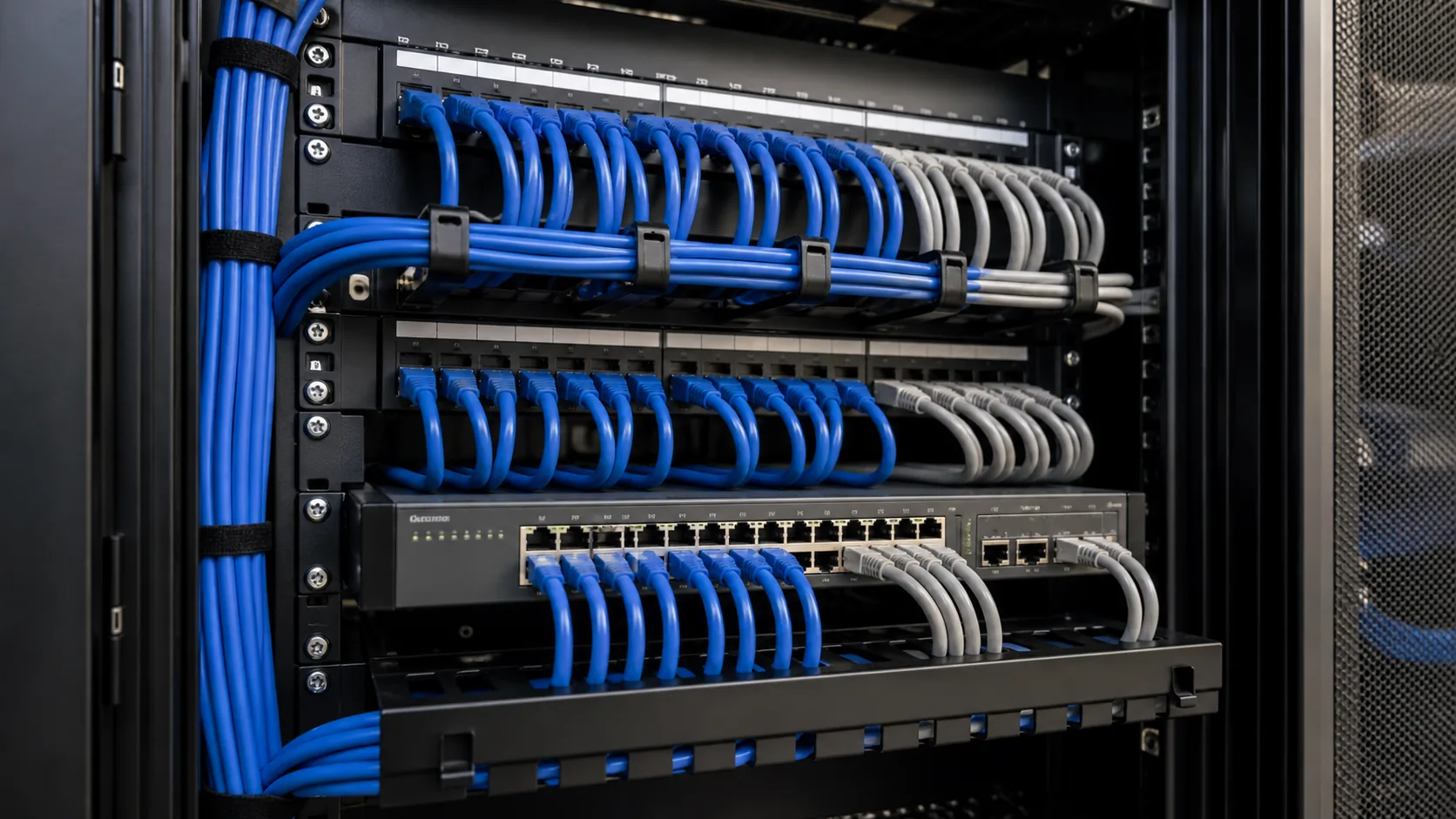
Design the central rack
Provide ventilation, protected power, patching space and a route for every cable. Labels at both ends make commissioning and future work much faster.
Plan Wi-Fi separately from cabling
Wi-Fi access-point locations should be based on layout and building materials, not simply placed wherever a cable is convenient. Cabling gives you the ability to position access points properly.
Practical installation tips
- Leave spare capacity in conduits and rack space.
- Use a documented label scheme from day one.
- Keep data cabling separated from electrical interference where required.
Common mistakes to avoid
- Installing only one outlet per desk location.
- Hiding the network rack where it cannot be serviced.
Need professional installation?
Plan the right solution for your site.
Talk to Halo Technologies about planning and installing a solution that suits your space, requirements and future expansion.